




Description
Download Free Wiii Converter – Video Converter, Batch Processing, YouTube Download
Overview
Free Wiii Converter, developed by 77Freeware, is a specialized multimedia utility designed to enable users to enjoy video and audio content on the Nintendo Wii console. The app addresses the common challenge of format incompatibility by converting a wide range of video and audio files into formats supported by the Wii. This makes it an essential tool for enthusiasts who wish to expand their console’s media capabilities beyond its native support. The target audience includes casual users, retro gaming fans, and home media collectors who want to stream personal or online content on their Wii. Although the developer did not provide additional technical details about their background, the app’s consistent functionality since its release in 2013 suggests a stable, focused development approach. Real-world use cases include preparing home videos, converting YouTube clips for offline playback, and organizing personal music libraries for the Wii. In the broader app ecosystem, Free Wiii Converter occupies a niche role as a legacy tool that bridges the gap between modern digital content and older gaming hardware. Its continued presence reflects a dedicated user base seeking accessible, no-frills solutions for console media conversion.
Key Features & Functionality
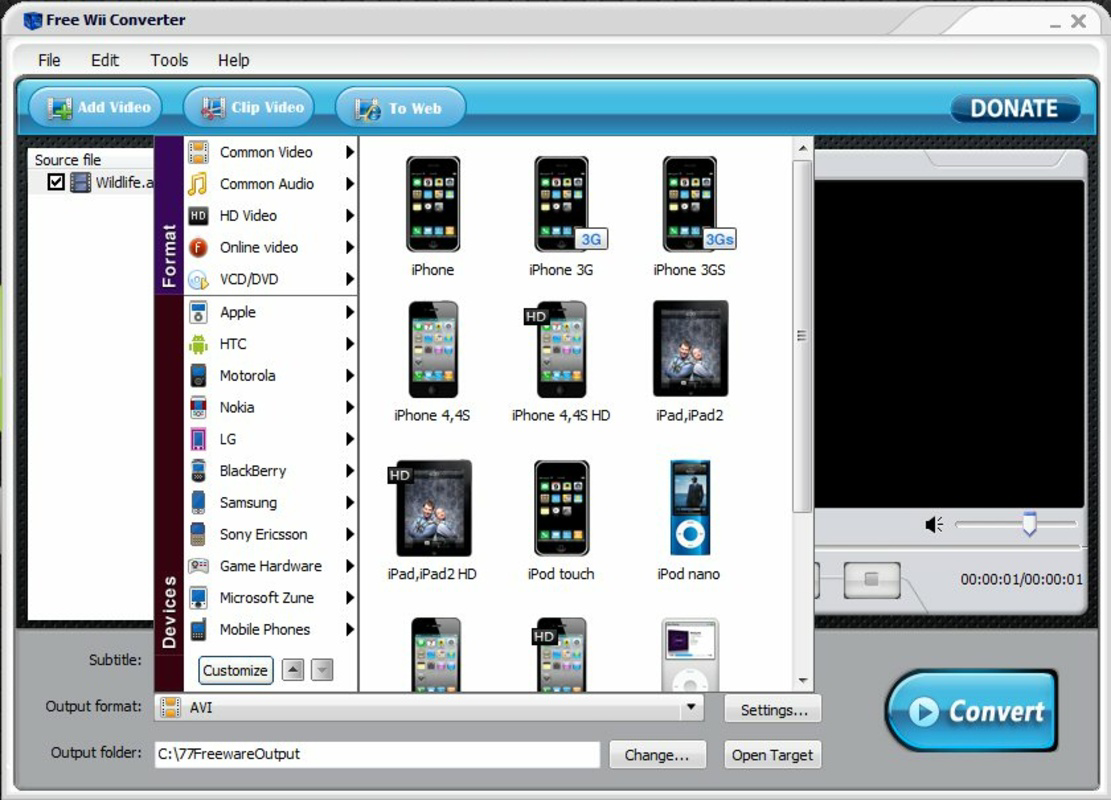
- Multi-Format Conversion: Supports dozens of video and audio formats, ensuring compatibility with the Wii’s playback system. Users can convert files from common formats like MP4, AVI, MOV, and more into Wii-compatible output without quality loss.
- Batch Processing: Allows simultaneous conversion of multiple files, significantly reducing preparation time for large media libraries. Ideal for users who want to convert an entire collection of videos or music at once.
- Online Video Downloading: Enables direct downloading of videos from platforms such as YouTube, MySpace, and Dailymotion by simply entering the URL. This feature simplifies the process of acquiring online content for offline playback on the Wii.
- High-Quality Audio Conversion: Handles various audio formats including WAV, WMA, AAC, and MP3, preserving clarity and fidelity for optimal listening on the console.
- Self-Contained Tool: Requires no additional software installation. All necessary codecs and processing tools are integrated, ensuring a straightforward setup and use experience.
For example, a user might download a 10-minute YouTube tutorial, convert it to Wii-compatible format, and transfer it to a USB drive—all within minutes. Another use case involves converting a collection of family videos from different sources into a unified format for easy playback during a Wii movie night. The combination of conversion, downloading, and batch processing makes Free Wiii Converter a practical solution for users seeking to maximize their Wii’s multimedia potential.
Interface, UX & Performance
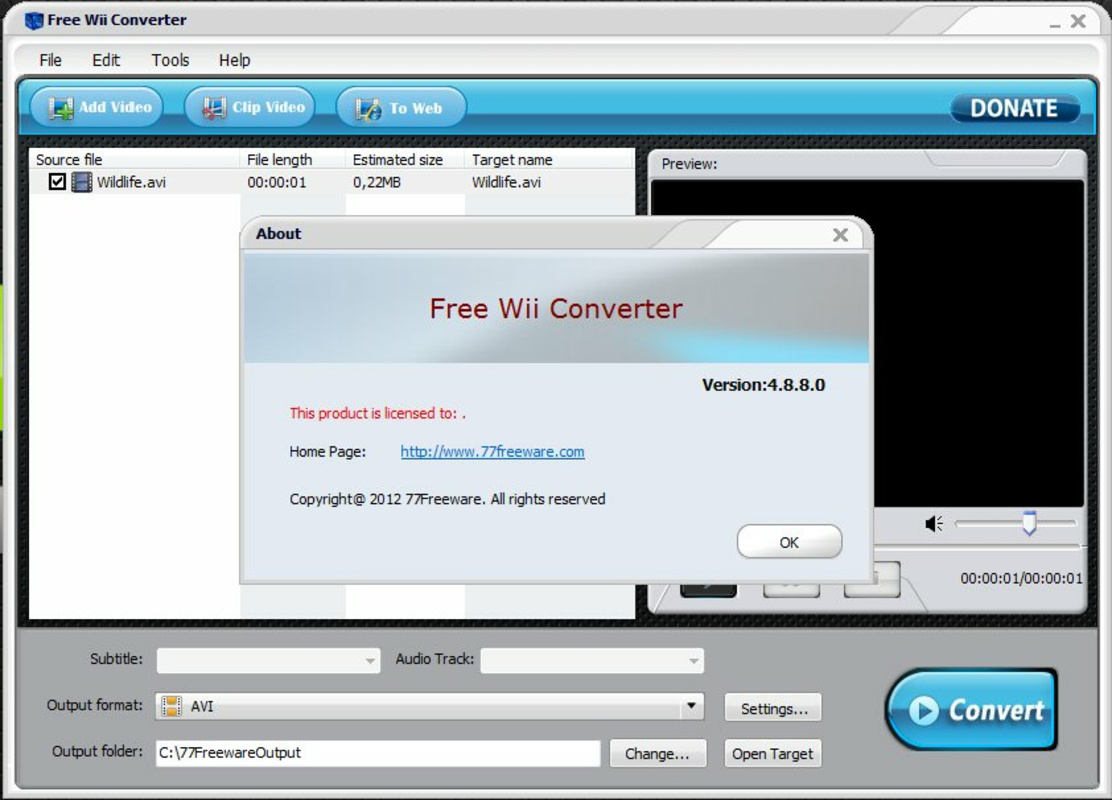
The user interface of Free Wiii Converter is designed with simplicity in mind, featuring a clean layout with clearly labeled buttons and input fields. Navigation is intuitive, allowing users to switch between conversion, downloading, and settings with minimal effort. The visual style remains functional rather than flashy, focusing on usability over aesthetics. While the developer did not list formal performance metrics, the app operates efficiently on standard desktop systems, with responsive feedback during file processing. Users can monitor conversion progress through a status bar, and the interface updates in real time to reflect current tasks. Although the developer did not specify minimum OS requirements, the app is known to run on older Windows systems, indicating broad compatibility. Stability appears consistent, with no widespread reports of crashes or freezes during typical use. However, since no recent updates have been released, performance on modern operating systems may vary. The app maintains a lightweight footprint, ensuring smooth operation even on lower-end hardware. Overall, the UX prioritizes accessibility, making it suitable for users with limited technical experience.
Platform Compatibility & Technical Requirements
Free Wiii Converter is designed for Windows-based systems, though the specific operating system version was not listed by the developer. The file size is reported as 12.5 MB, indicating a lightweight installation. The app’s release date was November 18, 2013, which suggests it was developed during the peak of Wii usage and may not include support for newer hardware or software environments. Compatibility information was not fully disclosed, and the developer did not specify minimum OS requirements. As such, users should exercise caution when attempting to run the app on modern Windows versions, particularly those released after 2015. The lack of updated system requirements or compatibility notes means that performance on newer platforms cannot be guaranteed. However, the small file size and lack of external dependencies suggest it may still function on older or minimal systems. Users should verify compatibility with their specific setup before installation.
Pros and Cons
Pros
- Supports a wide range of video and audio formats for Wii compatibility
- Batch conversion saves time when processing multiple files
- Direct video downloading from major platforms like YouTube
- Self-contained with no need for additional software
- Lightweight and fast on older systems
Cons
- No official updates since 2013; may lack support for modern OS versions
- Platform availability limited to Windows; no mobile or macOS version
- Developer did not provide detailed system requirements
- Interface is outdated and lacks modern design elements
- Unsupported on newer Windows systems without compatibility mode
FAQ
Is Free Wiii Converter safe to download and install?
The app is available from 77Freeware, a known software distribution site. However, users should scan the downloaded file with antivirus software before installation to ensure security.
Can I use Free Wiii Converter on Android or iOS?
No, the app is designed for Windows only. There is no official version for Android, iOS, or other mobile platforms.
Does Free Wiii Converter support the latest versions of Windows?
The developer did not specify compatibility with modern Windows versions. It may require compatibility mode or work only on older systems like Windows 7 or XP.
Can I convert videos from my smartphone to Wii format?
Yes, as long as the video file is accessible on your computer, Free Wiii Converter can convert it to a format compatible with the Wii console.
Is there a free version of this app?
Yes, Free Wiii Converter is available at no cost. It does not require a license or subscription to use.
Final Thoughts
Free Wiii Converter remains a valuable tool for Wii owners seeking to expand their media playback options. Its ability to convert multiple formats, support batch processing, and download content from popular platforms makes it a practical solution for legacy multimedia needs. While the app is outdated and lacks modern features, its core functionality remains effective for users with older systems. The absence of updates and limited platform support are notable drawbacks, but the app’s simplicity and no-cost model still offer real value. It’s particularly beneficial for retro gaming enthusiasts and home media users who prioritize functionality over aesthetics. For those with a Wii and a library of digital content, this tool provides a straightforward way to enjoy videos and music on the console. Download Free Wiii Converter now.
Guides & Tutorials for Free Wiii Converter
How to install Free Wiii Converter
- Click the Preview / Download button above.
- Once redirected, accept the terms and click Install.
- Wait for the Free Wiii Converter download to finish on your device.
How to use Free Wiii Converter
This software is primarily used for its core features described above. Open the app after installation to explore its capabilities.
User Reviews for Free Wiii Converter 0
No reviews found


